One link for everything
The same place every time, in any phone's browser. No apps to download, and so easy that even the least tech-savvy relative or friend can figure it out.

Private team portals for youth sports
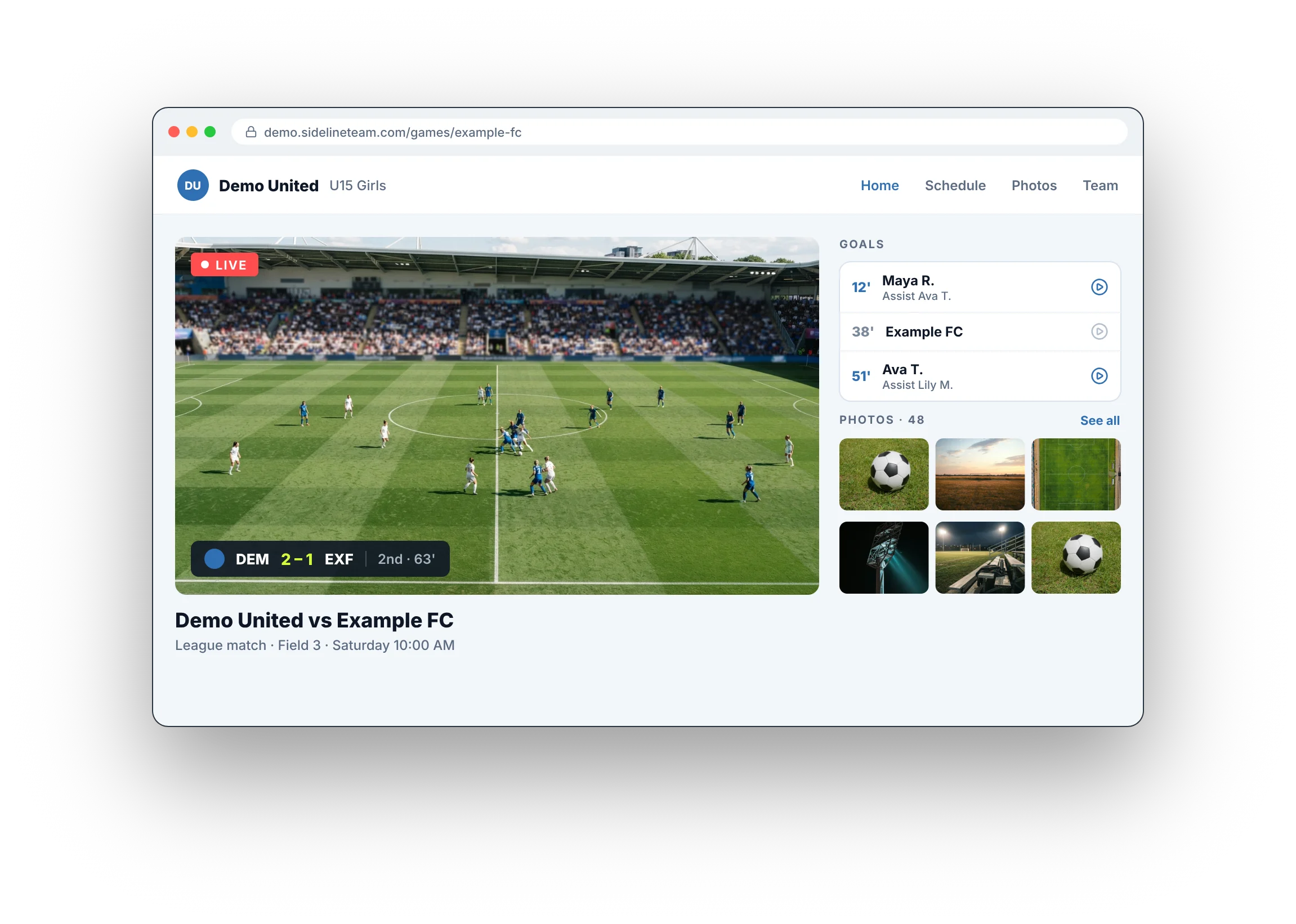
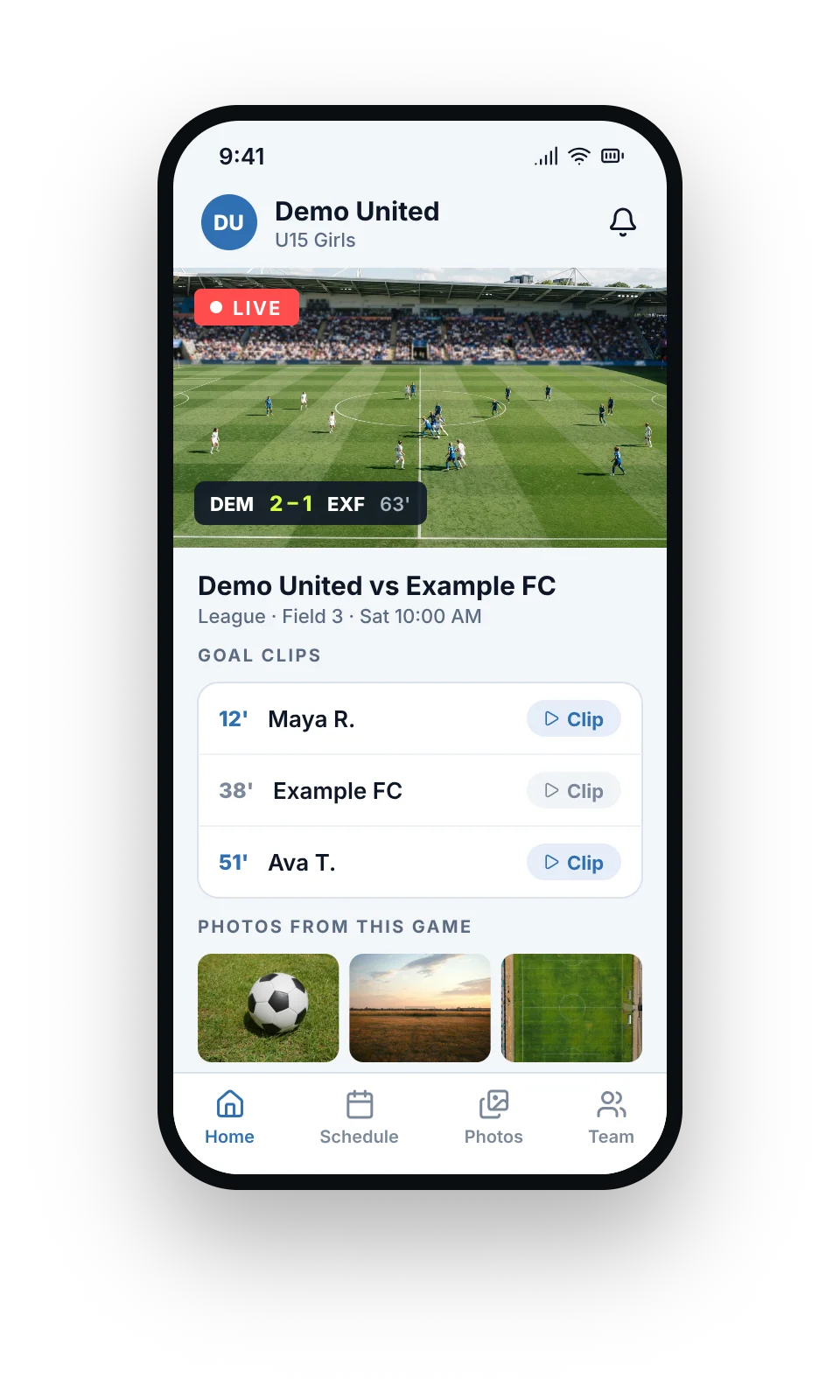
Live games, replays, photos and the schedule, in one place so simple anyone in the family can use it. No apps to download. Nothing public.
The problem
Sideline puts it all in one private place that only your approved families can see.
Stream to YouTube and anyone can watch your kids. Use a camera company's app and every family needs an account and a login.
Video in one app, photos in another, the schedule somewhere else. Access is limited and chaotic, and extended family and friends are left out of the loop. Not anymore.
A public link or an open album can reach anyone. There's no list of who's allowed in.
Why teams switch
The same place every time, in any phone's browser. No apps to download, and so easy that even the least tech-savvy relative or friend can figure it out.
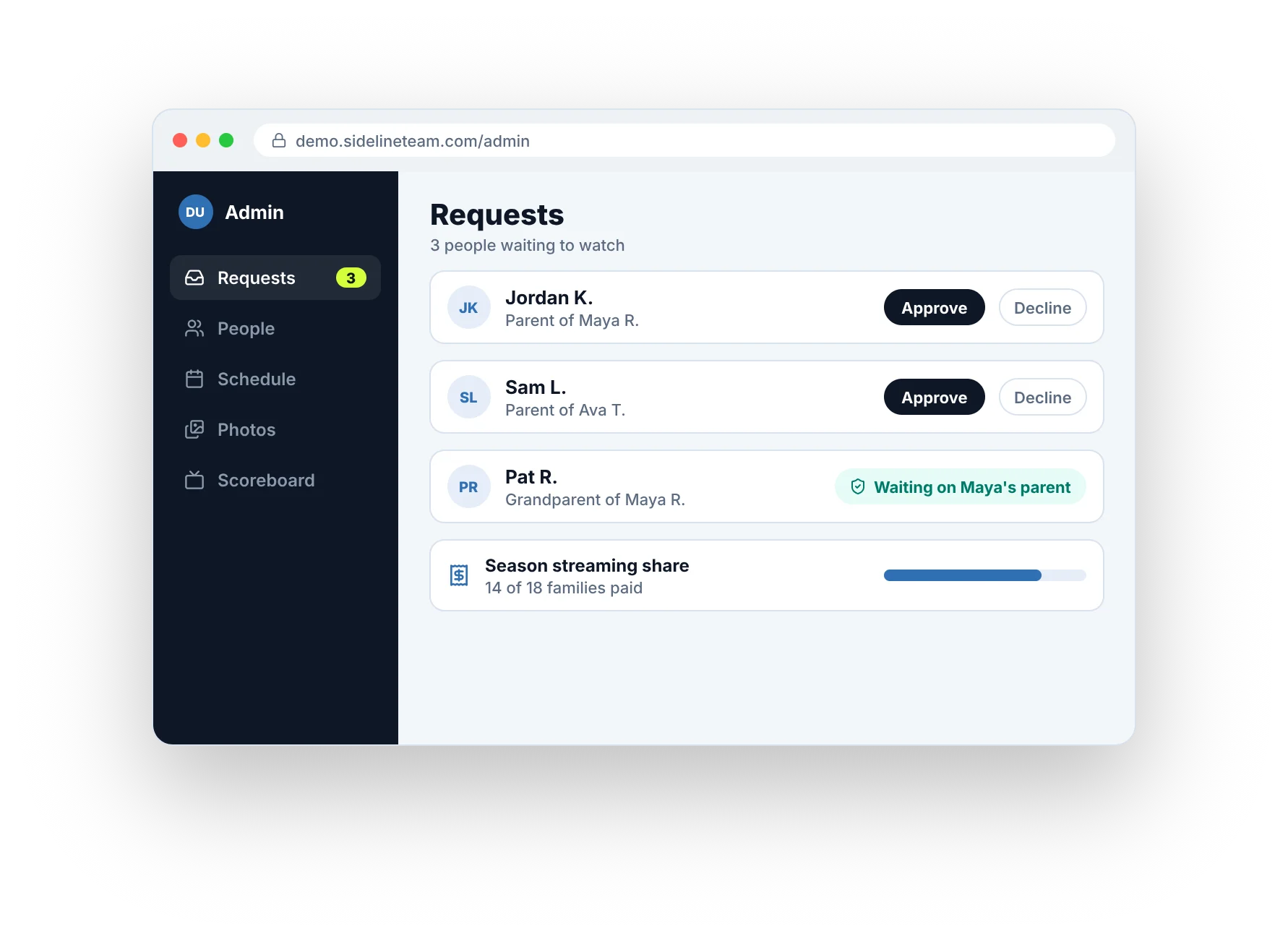
Every video and photo stays inside. Your admin approves who gets in, and parents approve their own relatives.
Live games, replays, photos and the schedule, side by side. No more five apps and a group chat.
How it compares
| Feature |  Sideline |
Public YouTube | A camera company's app | Group chats & shared albums |
|---|---|---|---|---|
| Approved Families Only | Yes | No | Yes | No |
| One Link for Video, Photos & Schedule | Yes | No | No | No |
| Nothing to Download | Yes | Yes | No | No |
| Live Games & Replays | Yes | Yes | Yes | No |
| Parent Approval Access | Yes | No | No | No |
| Team Branding | Yes, as an add-on | No | No | No |
| Auto Player Tagging | Yes, as an add-on | No | No | No |
| Live Scoreboard & Goal Clips | Yes, as an add-on | No | No | No |
With Sideline*Add-on, priced separately.
How it works
Your camera already films the game. Sideline does the rest: it finds the stream, puts it on the right game, and files the photos under the right players.
STEP 01
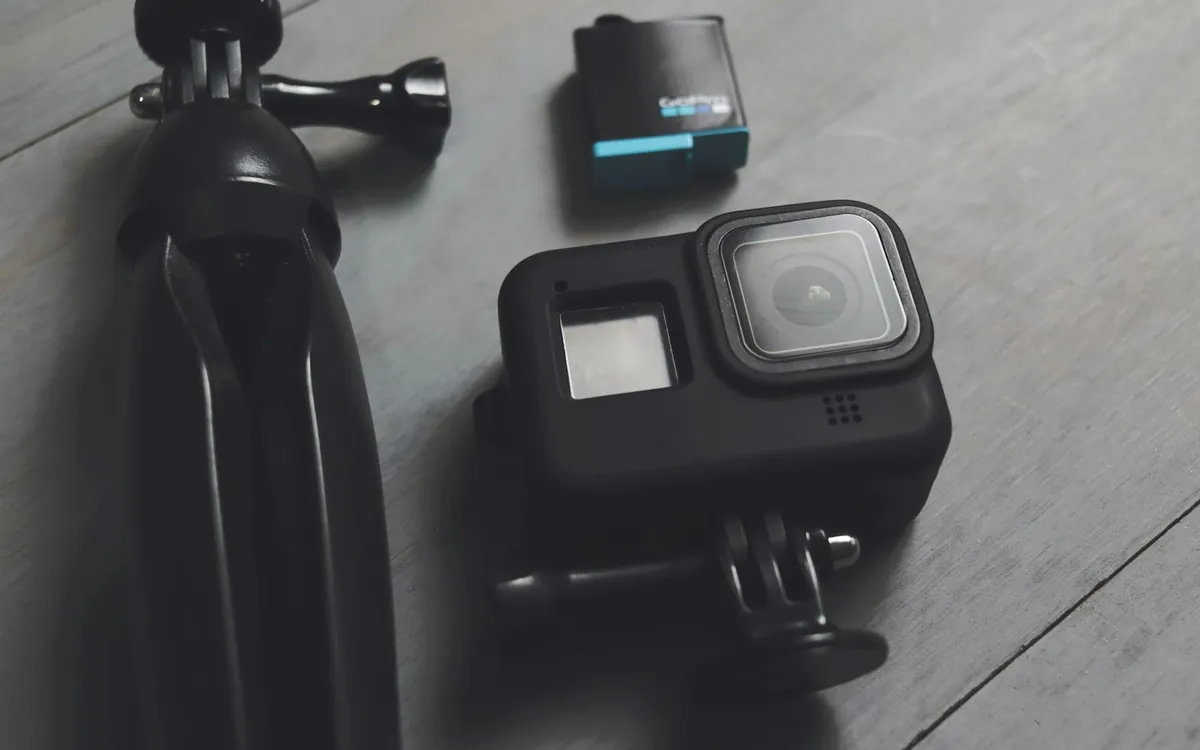
Any dedicated sports camera, or even your phone, that can stream to YouTube. Nothing new to buy.
STEP 02
The stream lands on the right game on your schedule and goes live at kickoff.
STEP 03
On any phone or laptop. The replay stays on the game page.
STEP 04
Straight from their phones, onto the right game. A team photographer can upload too.
STEP 05 ADD-ON
An optional add-on: Auto Player Tagging sorts every photo onto the right player's page. An admin checks first.

Privacy & safety · For parents
You're trusting us with videos and photos of your children. Here's exactly who can see them, and how that's decided.
Download the safety & privacy sheet (PDF)They pick their player from your roster and say how they're related.
Your admin decides. Nobody gets in by default.
The request goes to that player's parent, not a stranger.
Now they can watch. Access can be removed any time, and it ends instantly.
Every person is approved before they see a single video or photo.
Streams are unlisted, and the link only reaches people who are signed in. Never on a public channel or in search.
Stored privately. Photo links expire after minutes, so they can't be passed around.
Players show as "Maya R.", never full names, even to approved families.
Remove someone and they're signed out everywhere, right away.
If you add Auto Player Tagging, your admin reviews every match before anything is published.
Features

LIVELIVE GAMES & REPLAYS
Every game streams to your private page. Watch live from anywhere, or catch the replay later. Add Live Scoreboard for a score bar on the stream and a clip for every goal.
Schedule & calendar
The whole season in one list. Every game lands in families' phone calendars and moves when the schedule does.
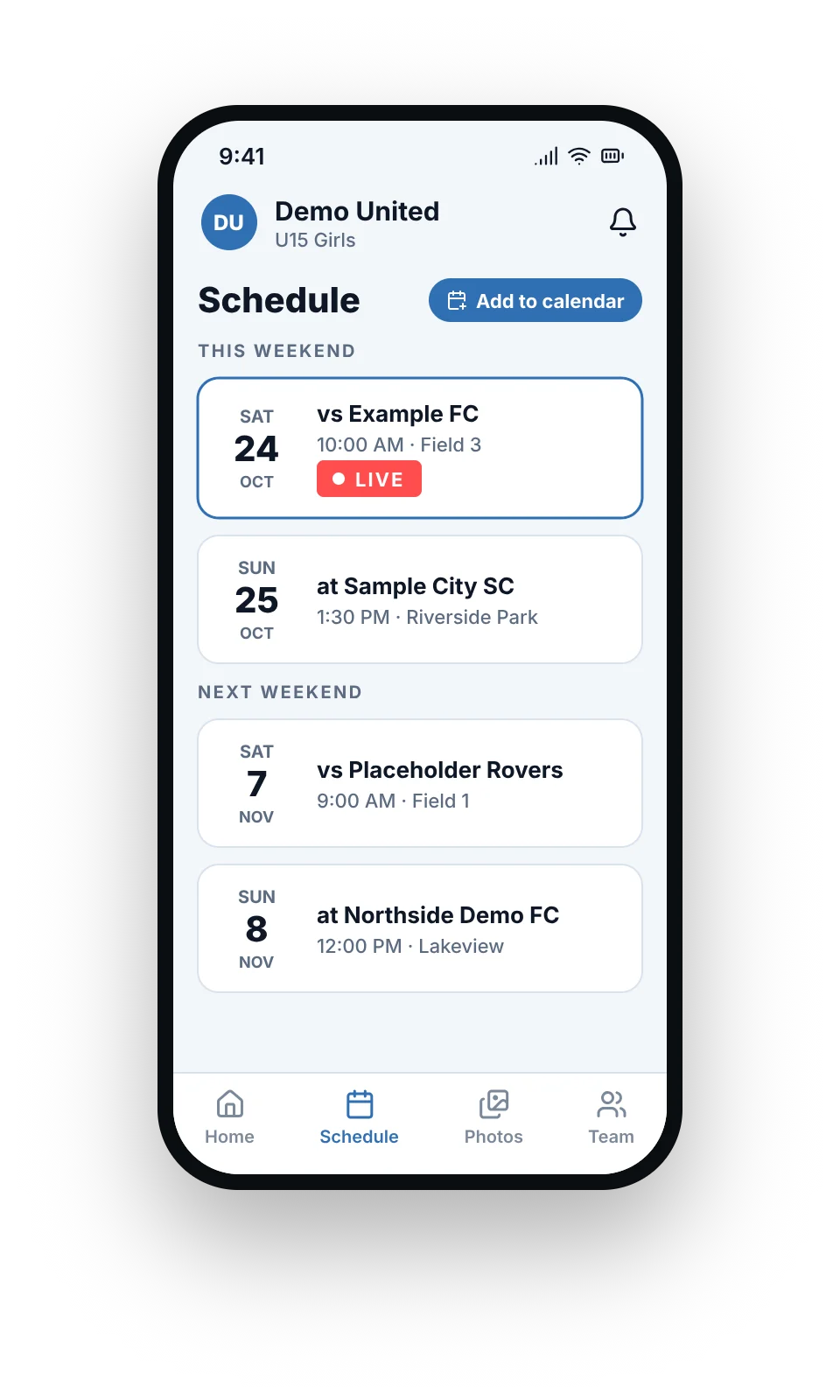
Player pages & picture boards
Their photos, their goals, and a picture board the family arranges themselves.
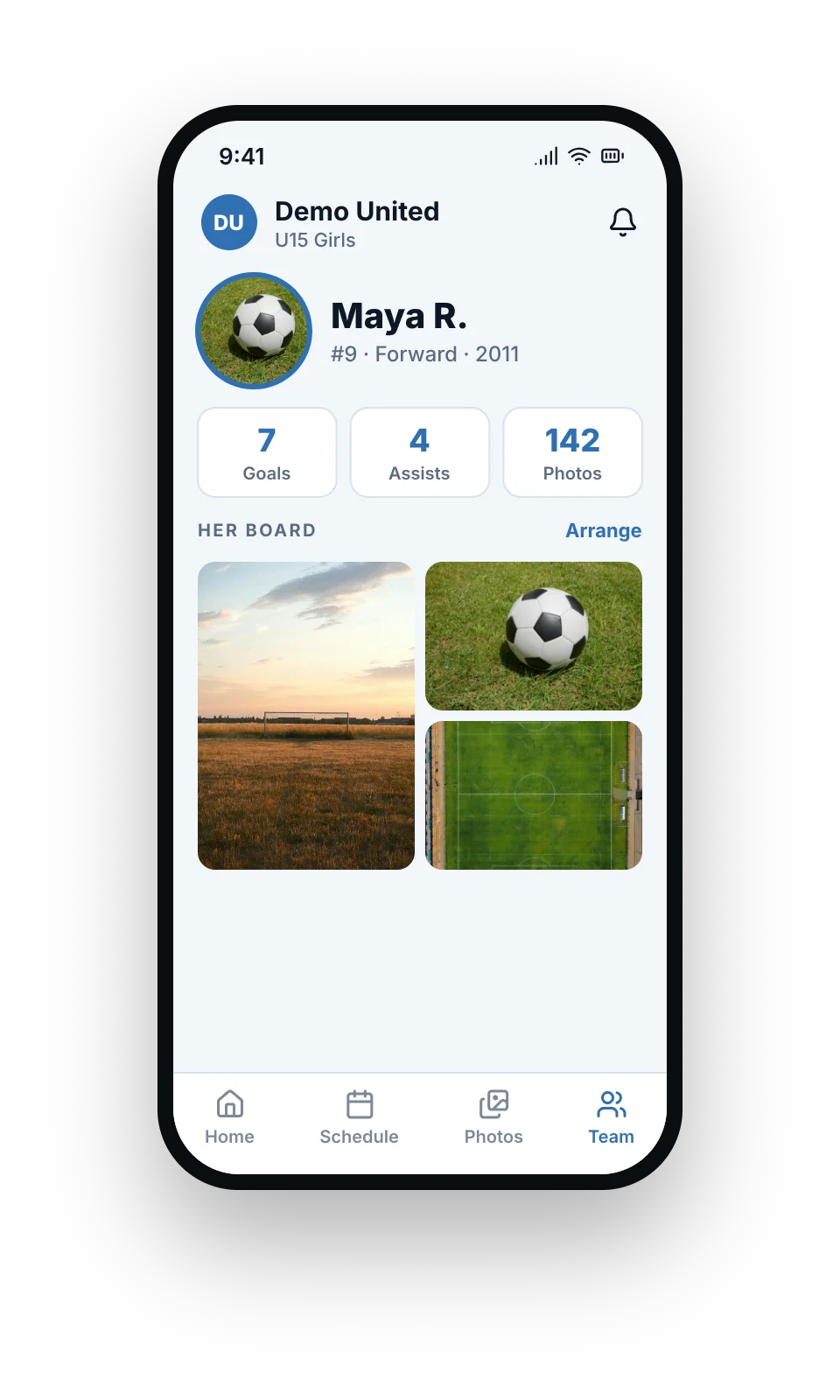
Sideline learns your players and files each new photo under the right ones. An admin checks the matches before families see anything. Available as an add-on.
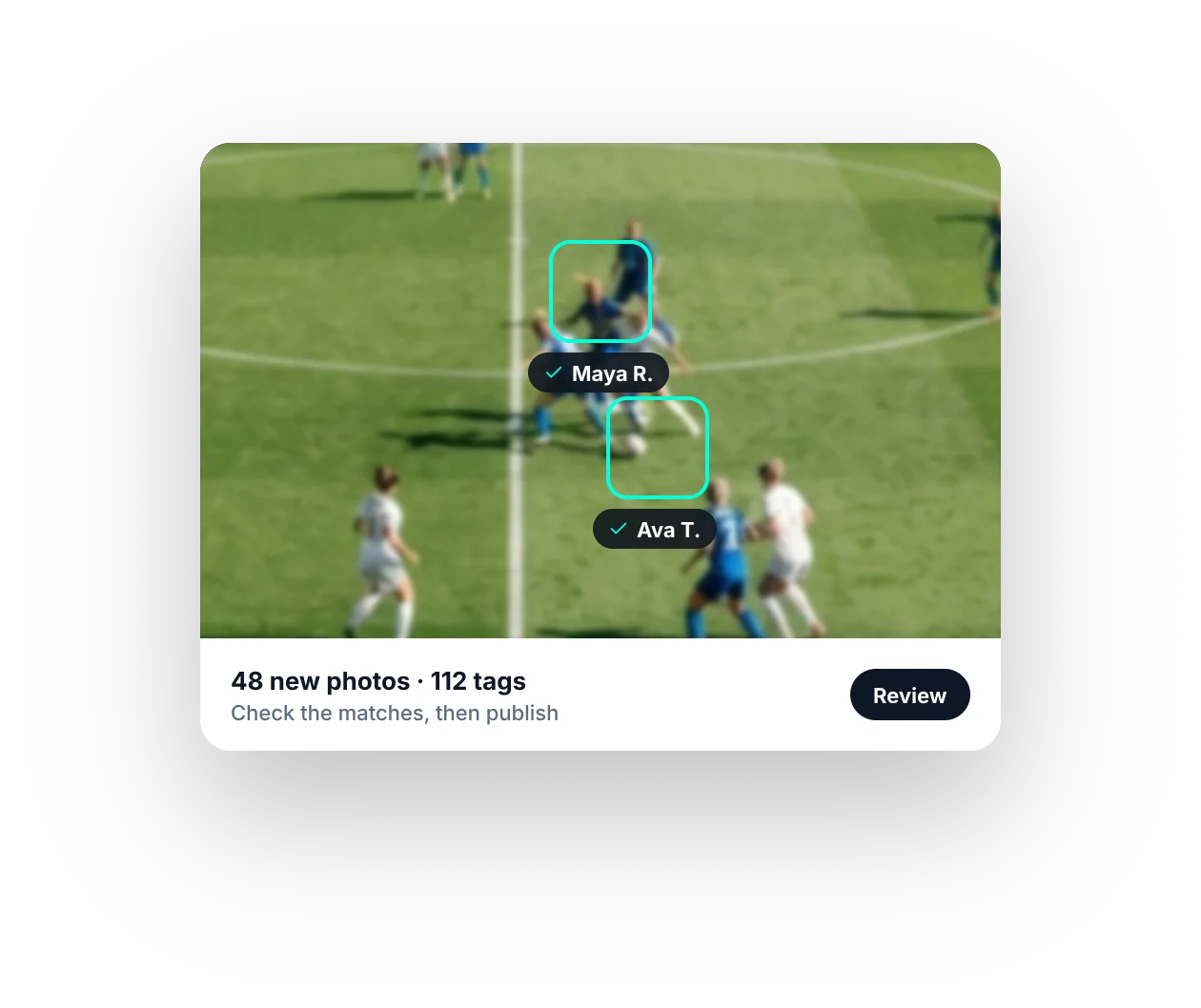
Team Moments
Parents upload straight from their phones and pick the game. Have a team photographer? Their album sits alongside, kept separate.
 Team MomentsFrom families · 64
 Game albumTeam photographer · optional
Parents upload hundreds of photos a season. Auto Player Tagging finds each player in them and puts the photos on that player's page, so families stop scrolling and start finding.
Add-on · priced separately
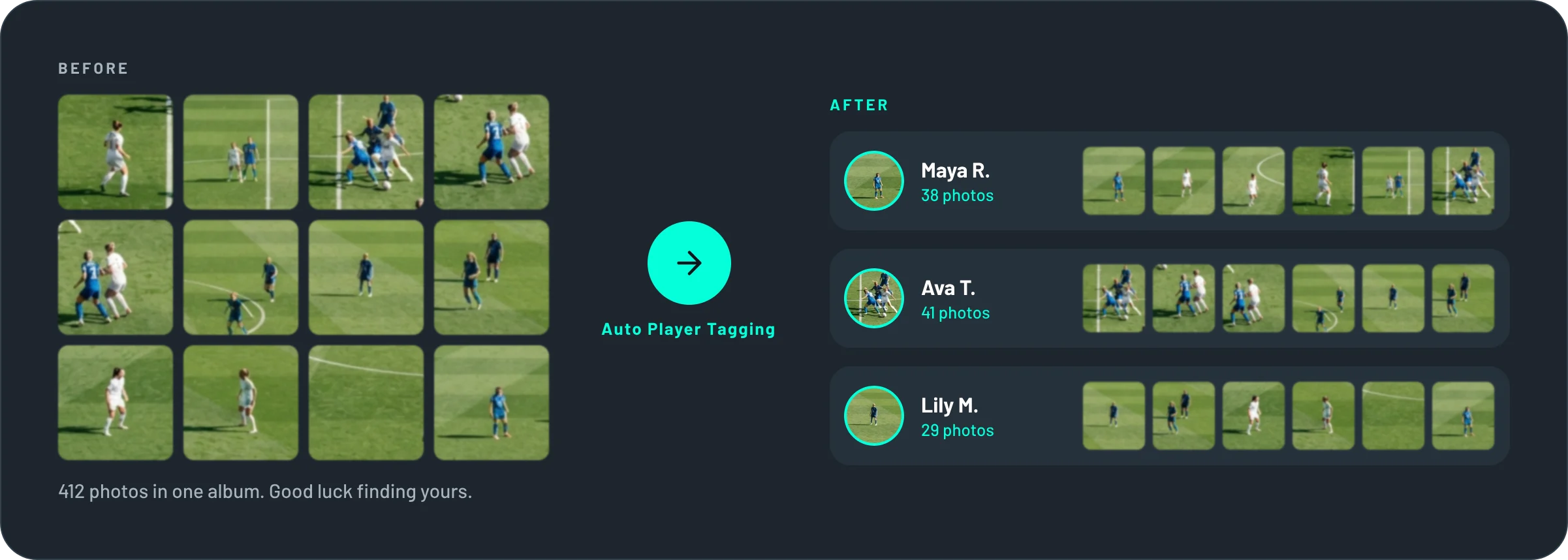
Swipe to see before and after →
Families tap their player and see every photo of them. No scrolling through hundreds.
Parents' phones or a team photographer: every photo gets sorted the same way.
Your admin reviews the matches before anything is published, and can fix any tag.
Teach it new players any time. It keeps sorting as the photos keep coming.
Face matching is only used to sort your team's photos. It's never shared or sold.
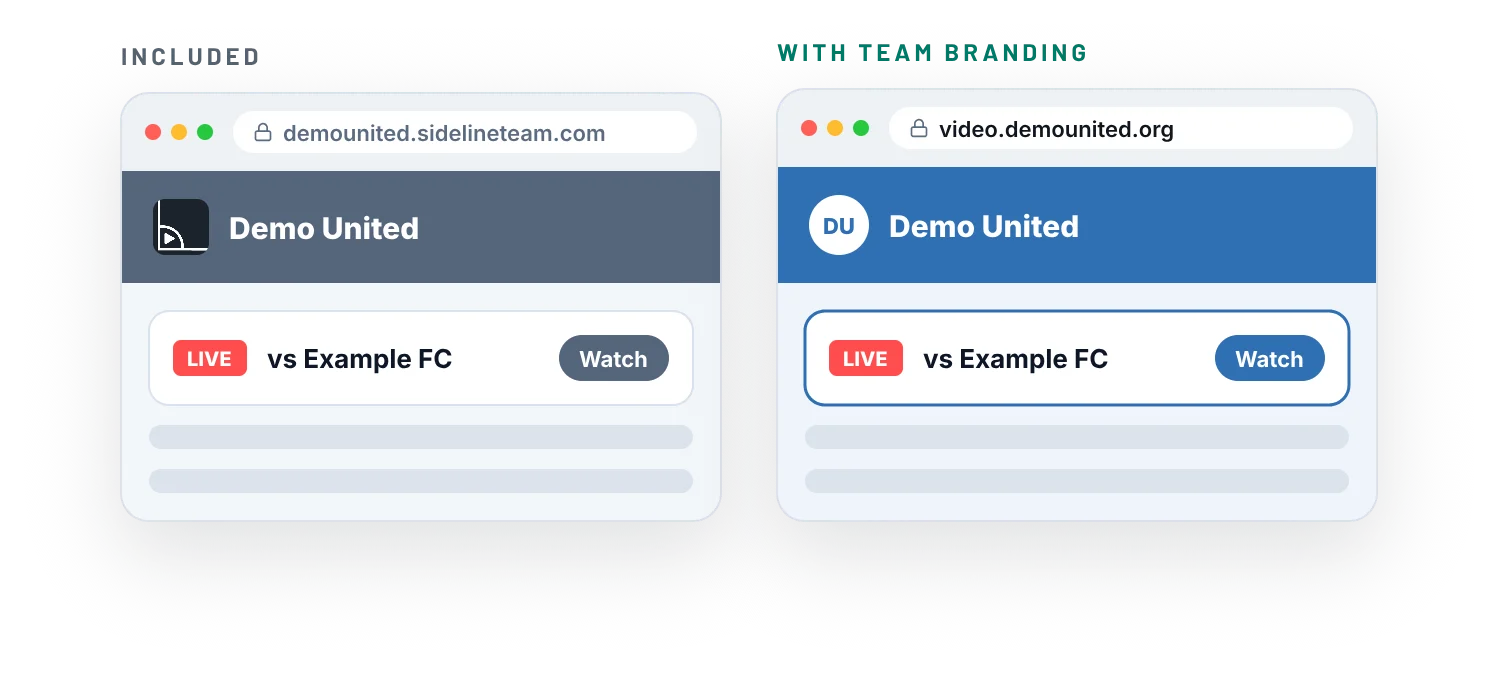
The extra touch: families see your club, not ours. Every Sideline comes with your team's name and its own web address. Add your look on top.
Priced separately
One parent runs the score from their phone on the sideline. Families get a live score bar, a goal card with the scorer's name, and a clip of every goal to watch again.
Add-on · priced separately
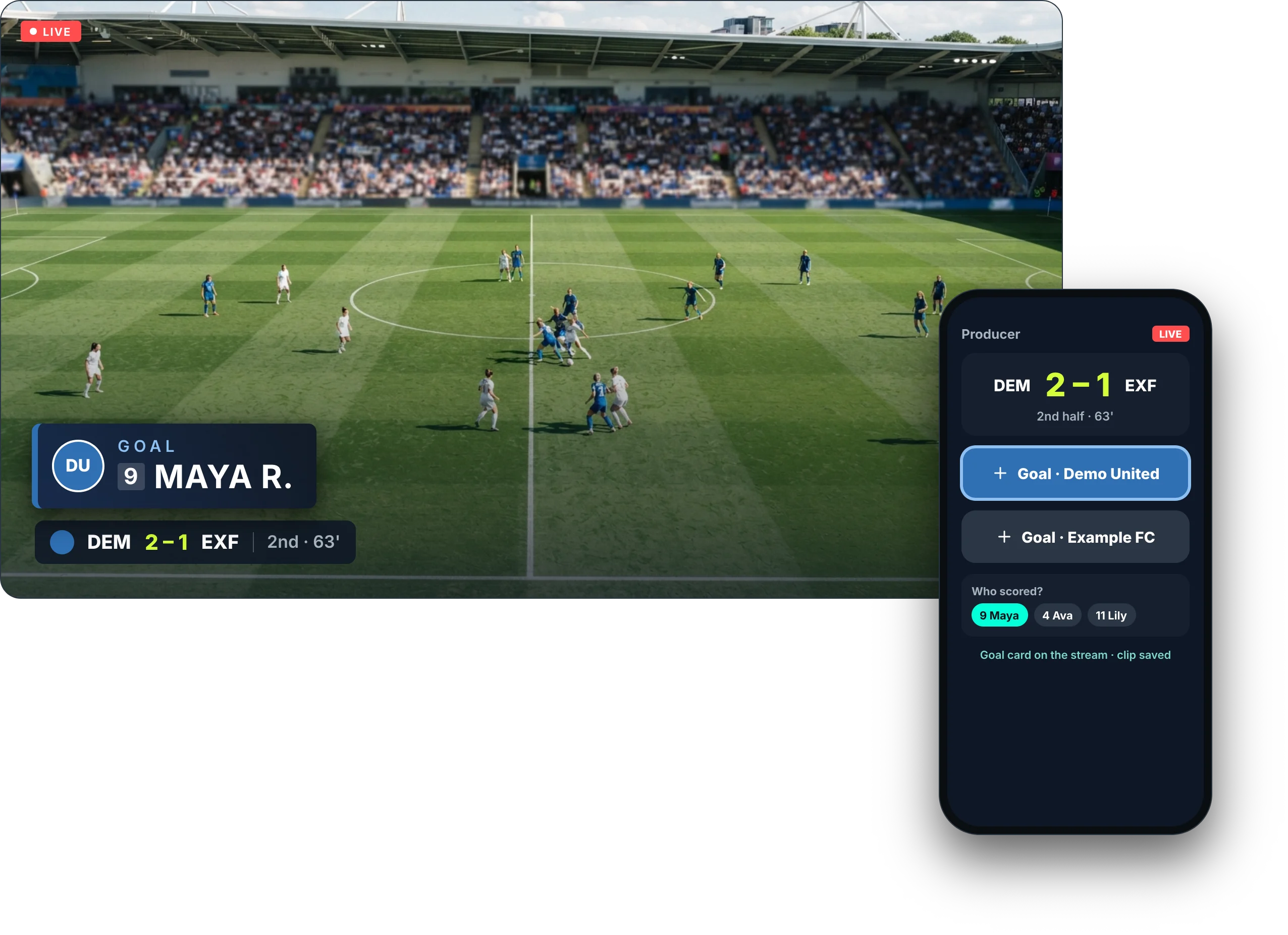
On the sideline phone, tap who scored. That's the whole job.
Crest, number and name slide onto the stream for a few seconds, then the score bar updates.
Every goal becomes a clip on the replay, so families can jump straight to it.
Yellow and red cards get their own announcement too.
Try it
Click around Demo United, a real Sideline site with made-up players. Watch a game, open a player's page, browse the photos.
FOR FAMILIES
FOR ADMINS & COACHES
Done for you
Your teams, your schedule and who runs things. A quick conversation is all it takes.
Your team's own private site, like yourteam.sidelineteam.com. We handle the YouTube setup too, and the channel stays in your name.
Send one link. Families ask to join, your admin approves them, and parents approve their own relatives.
Updates and help when you need it. Nothing for you to install or maintain.
Who it's for
Sideline is tailored to how you run things. Tell us what you need and we'll shape it to fit, at your own web address.
One team, one private home. Easy for a team manager or coach to run, and families can split the cost while Sideline keeps track of who's paid.
Every team in your club, each with its own private space and its own admins. Safer than public streams, and it carries your club's name.
Every sport, Varsity and JV, in one place with access you control. Built to work the way athletic departments do.

Who's behind Sideline
"It started with streaming my daughter's soccer games for my family."
I build software for a living, and I've watched technology change youth sports at warp speed. Sideline started with me recording my daughter's soccer games, then streaming them for my extended family, then opening up that stream to the other families on the team. When another parent's passion for photography combined with my streaming game video, the perfect sideline duo was formed. Now I want every team, from a single team to a multi-team club or a high school, to have a close-knit place where every game and every photo is kept for families and teams to enjoy forever.
AnthonyFounder · MasterBranch Solutions
Questions
Something else? Ask us in the form below.
Any dedicated sports camera, or even a phone on a tripod, that can stream to YouTube. Sideline doesn't replace your camera; it's the private front door to what it films.
Yes, for replays. Upload the recording to YouTube as unlisted and it shows up on the right game page for your families. Live games need a camera that streams.
Yes, a free one. That's where your camera sends the stream. We handle it: we create or connect your team's channel and link it to Sideline. It stays in your team's name, so your videos are always yours, and every video stays unlisted, so it never shows up in search or on your channel page.
No. Sideline opens in any phone, tablet or laptop browser.
Yes, with the Team Branding add-on: your colors, your logo, and your own web address if you have one.
Only the people your admins approve, and relatives a parent approves.
No. Most teams don't have one: parents upload from their phones. If you do have a photographer, they get their own upload access.
It's an optional add-on. Tick it on the form and we'll include it in your price.
Getting set up is part of starting with Sideline. It's included in your price, and we'll spell it out when we send it.
It depends on how many teams you have and what you need. Send us a note and we'll get back to you.
Contact us for pricing
Tell us about your team or club. We'll set Sideline up for you and help get your families signed in.
We'll be in touch at .